
Domain management is often fragmented, with different teams working in isolation. Executive leadership handles brand protection registrations, Legal reviews monitoring data, and Marketing evaluates campaign ideas — yet domain management sits at the center. Despite its importance, clear ownership and streamlined processes are frequently lacking.
Now imagine using natural language to get the answers you need.
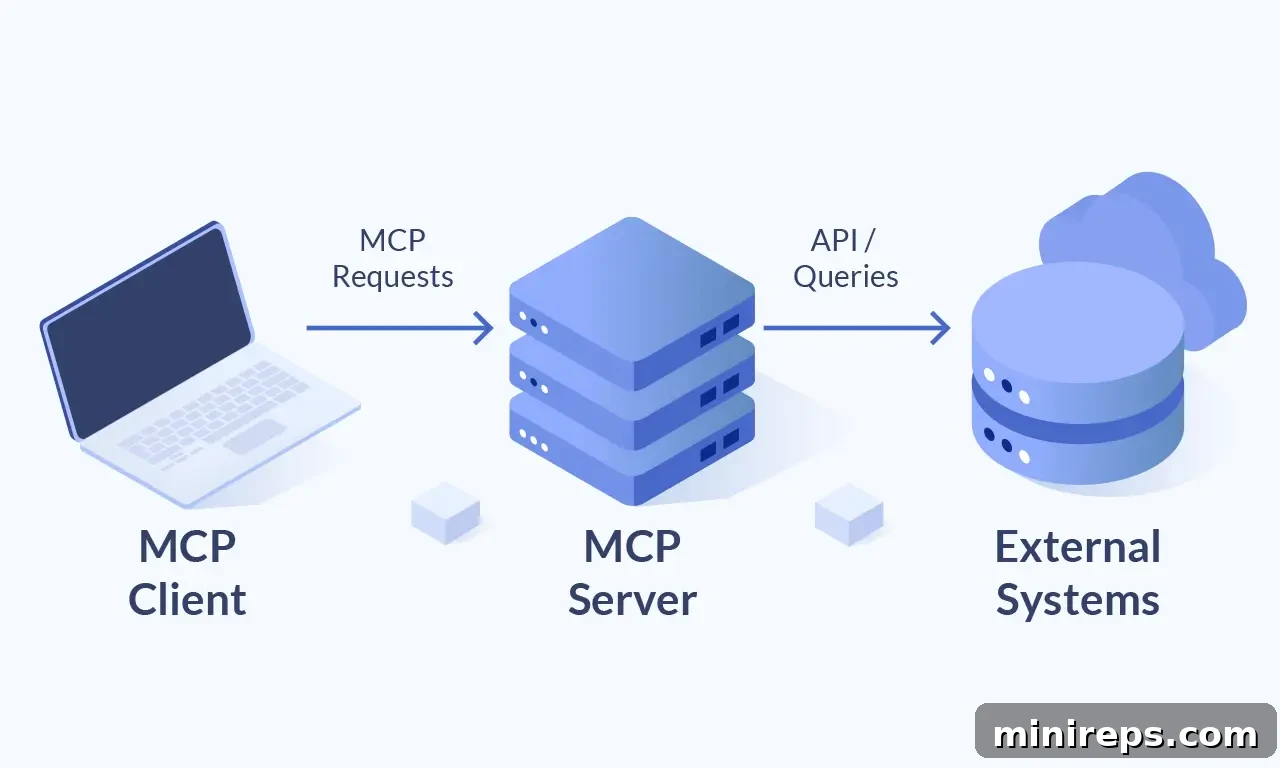
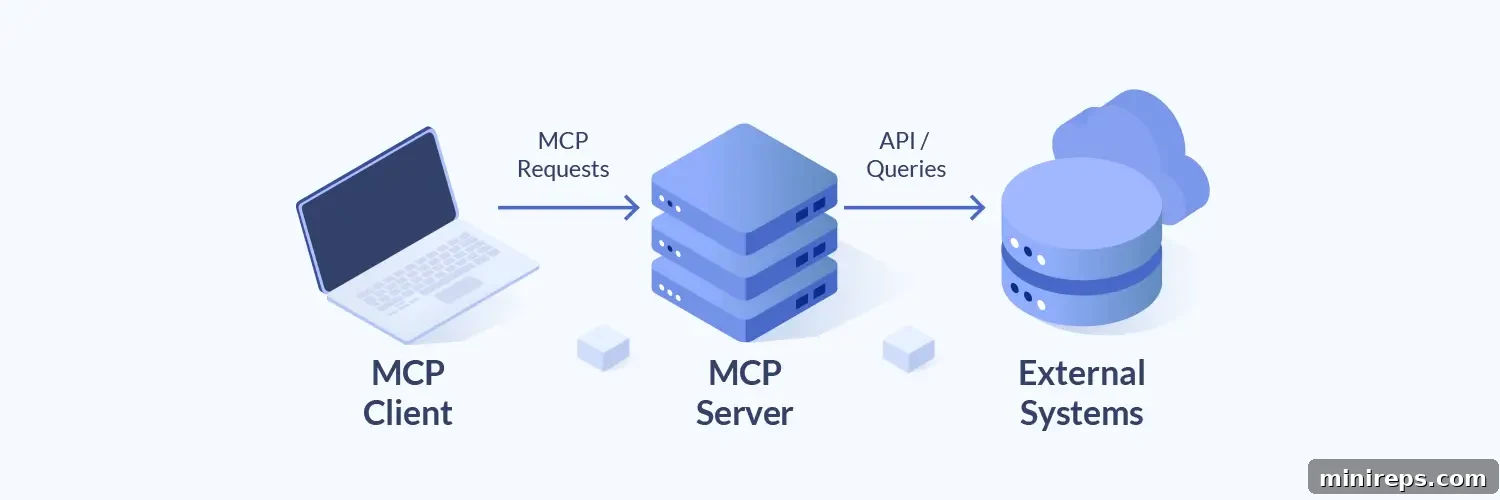
With the launch of the 101domain MCP (Model Context Protocol) Server, we’ve simplified the connection between domain data and everyday workflows. By linking your 101domain account to AI assistants such as Claude, ChatGPT, or Cursor, you can speak to your portfolio through an intelligent agent that understands both your intent and our API.

Below are five practical scenarios that show how the 101domain MCP Server improves workflows and reduces friction.
1. Conversational email routing audits
Troubleshooting email delivery should not require hand-editing DNS zone files. Ask your AI: “Fetch only the MX records for example.com and tell me where my email is being routed.” The assistant queries 101domain DNS tools with a type=MX filter and returns a clear, human-readable summary.
The Result: Faster resolution for IT and immediate clarity for non-technical stakeholders.
2. Messy data clean-up & bulk checking
Marketing sessions often produce messy lists of notes and half-formed ideas. Instead of cleaning a spreadsheet manually, paste the text into the AI chat and say: “Extract any valid domain names from this text and check if they are available.” The assistant uses the bulk search tool and the API’s validation to filter out invalid entries, returning a clean list of available domains with pricing.
The Result: Significant time savings during brand discovery and fewer manual errors.
3. Intelligent premium domain cost filtering
Premium pricing can derail a naming project if it’s discovered late. Ask your MCP Server assistant: “Check availability for these 20 domain ideas and flag any that are premium.” The AI reads the bulk search responses and highlights domains where premium:true is returned so you can avoid unexpected costs.
The Result: Better budgeting and smarter decisions early in the naming process.
4. Instant contact ownership verification
Preparing for portfolio audits or legal discovery no longer requires clicking through each domain. Ask the MCP Server AI: “List the exact contact handle IDs assigned to the Registrant, Admin, and Tech roles for example.com.” The assistant calls the get-domain-tool, parses the contacts object, and delivers a structured report of contact handles and roles.
The Result: Accurate ownership documentation without manual searching.
5. Invoice status verification (Coming Soon)
Accounting teams often reconcile renewals manually. Soon, clerks will be able to ask the AI: “Has invoice #12345 been paid yet?” The assistant will read the single invoice endpoint and report the invoice status (paid or open) instantly.
The Result: Faster financial reconciliation and a single place to check account activity.
101domain MCP Server: Empowering your entire team
The 101domain MCP Server reflects our client-first approach: managing your digital presence should feel as natural as having a conversation. Whether you’re an engineer performing DNS audits or a brand manager consolidating a portfolio, these AI integrations bring 101domain expertise directly into your workflow.
We’re proud of this release and eager to hear how it helps your organization. Try it and let us know what you think.

Anthony Beltran
President / CEO
101domain