

Elevate Your Message: Create Stunning Presentations with Google Slides
Unlock the full potential of your team’s creativity and collaboration. Every Google Workspace plan seamlessly integrates the power of Google Slides.

Revolutionizing Presentations: A Collaborative Builder Designed for Modern Teams
In today’s fast-paced world, impactful presentations are crucial for conveying ideas, pitching projects, and educating audiences. Google Slides stands out as an intuitive, cloud-native presentation builder that empowers individuals and teams to create beautiful, professional, and dynamic presentations directly from their web browser. There’s no need for cumbersome software installations or worrying about compatibility issues; everything you need is accessible online, anytime, anywhere. As a core component of the Google Workspace suite, Slides is built from the ground up to foster real-time collaboration, ensuring that your team is always on the same page and working with the most up-to-date version of your content.
Forget the hassle of emailing attachments back and forth or dealing with multiple conflicting versions of a document. Google Slides automatically saves every change to the cloud, providing a single source of truth for your entire team. This eliminates confusion, streamlines workflows, and significantly boosts productivity. Whether you’re a small startup, a large enterprise, or an educational institution, Google Slides offers a robust solution for crafting compelling visual narratives that resonate with your audience.
Seamless Collaboration: Commenting, Chat, and Real-Time Co-editing
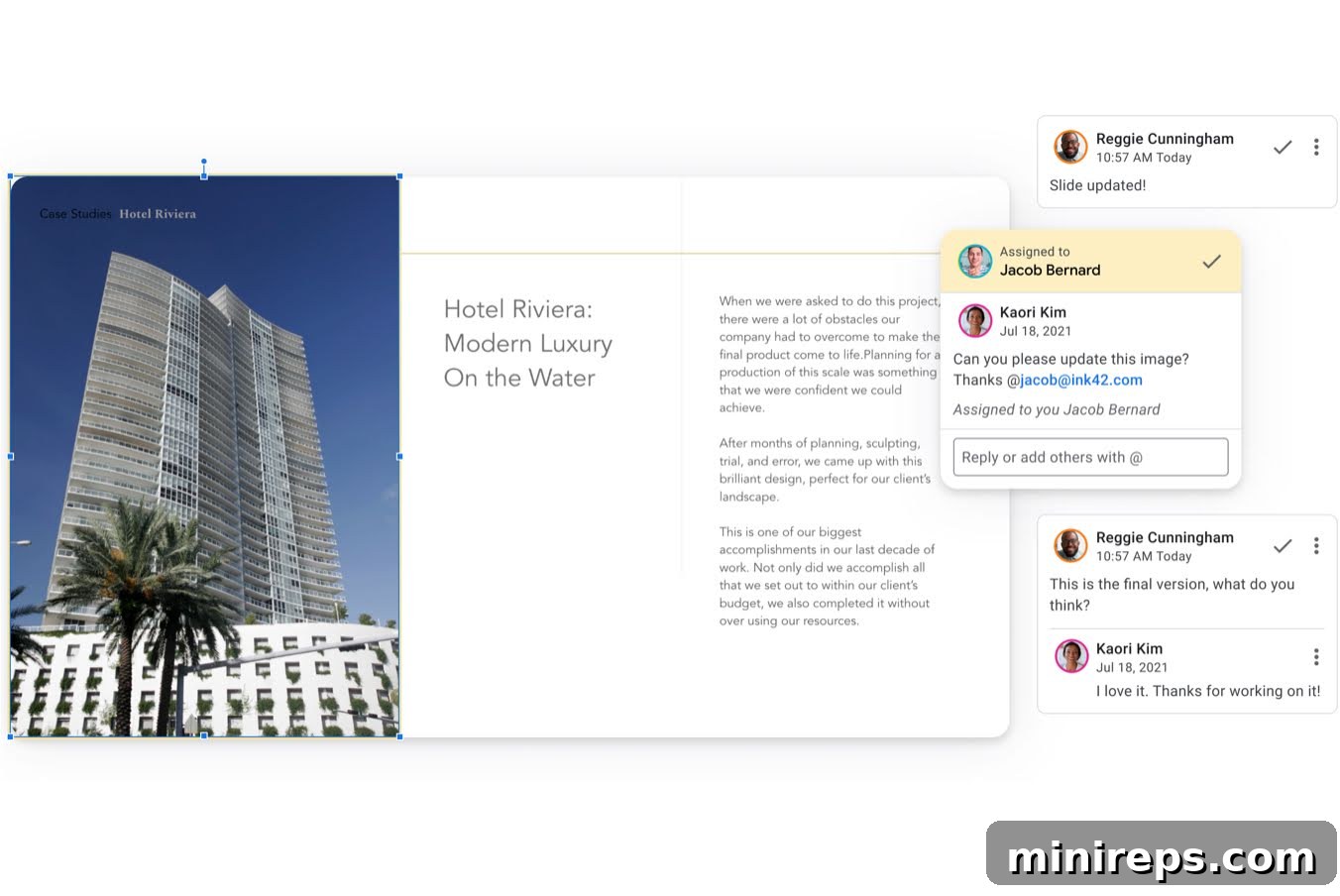
Google Slides redefines how teams work together on presentation projects, fostering unparalleled productivity and collaboration. The platform’s integrated features make sharing and working with others, whether inside or outside your organization, remarkably simple and secure. With Google Workspace’s granular sharing controls, you have complete authority over who can edit, view, or merely add comments to your slides. This level of control is essential for protecting sensitive information while still enabling effective teamwork.
The real magic happens with real-time co-editing. Multiple users can be in the same presentation simultaneously, seeing each other’s edits as they happen. This instantaneous feedback loop is invaluable for brainstorming sessions, collective content creation, and swift revisions. Beyond live editing, the commenting and chat features provide dedicated channels for focused discussions directly within the presentation interface. Team members can highlight specific sections, ask questions, suggest improvements, and track resolutions, ensuring that every detail is addressed efficiently. Furthermore, Google Slides offers an unlimited revision history, a powerful feature that allows you to track every change made to your presentation. This means you can easily view past versions, identify who made specific edits, and revert to any previous state with a click. This robust version control safeguards against accidental deletions and provides a comprehensive audit trail, ensuring peace of mind throughout the project lifecycle. This invaluable feature for document integrity and collaborative accountability is also fully integrated into other Google Workspace applications like Google Docs and Sheets.
Unleash Creativity: Effortless and Intuitive Slide Design
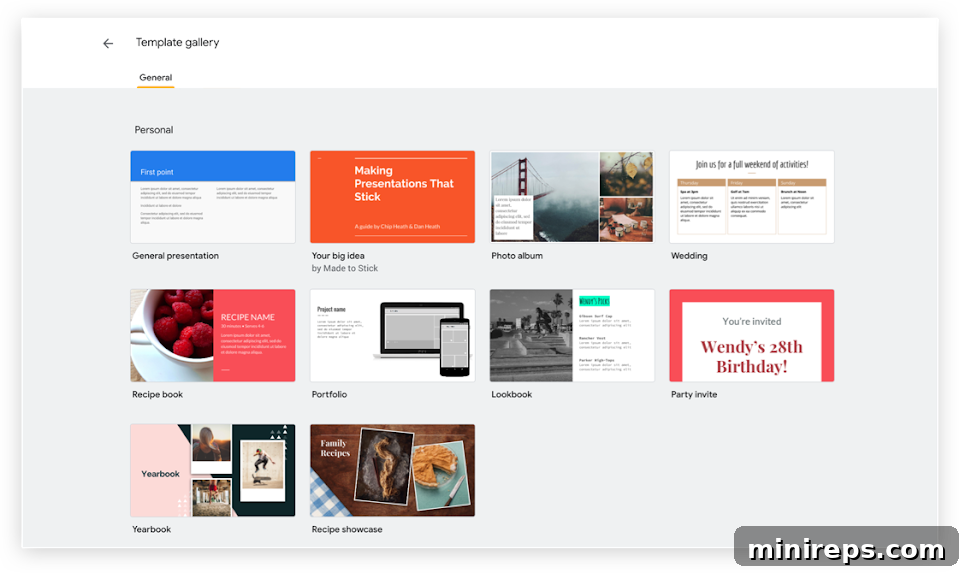
Designing engaging presentations has never been easier thanks to Google Slides’ intuitive interface and powerful design tools. Whether you’re a design novice or an experienced professional, you can kickstart your project with Google’s extensive library of professionally curated templates. These templates cover a wide array of categories, from business proposals and marketing pitches to educational lectures and personal portfolios, providing a solid foundation for any topic. Alternatively, if you prefer complete creative freedom, you can begin your design journey on a blank canvas and build your presentation from scratch, customizing every element to your exact specifications.
Google Slides empowers you to enhance your presentations with a rich variety of multimedia and design elements. You can effortlessly integrate high-quality videos from YouTube or your Google Drive, captivating images (either uploaded or found via an integrated web search), and dynamic text. Beyond static elements, you can bring data to life with customizable charts and graphs, create compelling visuals with drawings and shapes, and add a layer of sophistication with a diverse range of animations and smooth transitions between slides. These features allow you to control the pace and flow of your presentation, ensuring maximum audience engagement. Additionally, Slides offers a comprehensive selection of fonts, color palettes, and formatting options, enabling you to maintain brand consistency and create visually cohesive and memorable presentations that leave a lasting impression.
Present with Authority: Integrate, Engage, and Deliver with Confidence
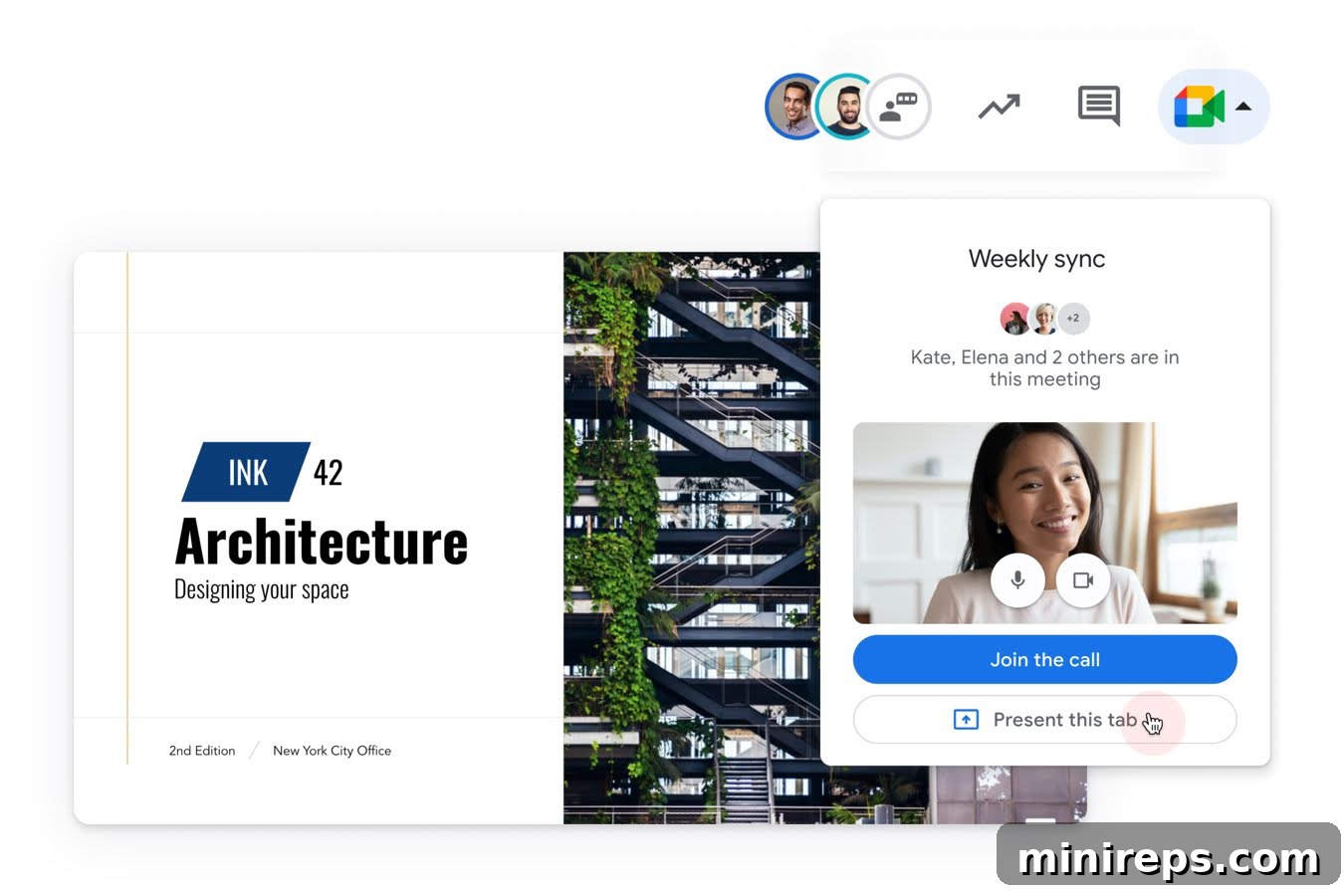
Google Slides is more than just a presentation tool; it’s a central hub that seamlessly connects with all the other Google Workspace apps you already know and love. This deep integration is a significant time-saver, streamlining your workflow and preventing constant switching between applications. Imagine embedding live charts directly from Google Sheets that automatically update with new data, ensuring your presentation is always accurate. You can reply to comments on your slides without leaving your Gmail inbox, access relevant documents and images stored in Google Drive with ease, and even search the web for additional content or images directly from within the Slides interface. When it’s time to present, Google Slides integrates perfectly with Google Meet video calls, making virtual presentations effortless.
To ensure a flawless delivery, Google Slides provides a suite of easy-to-use presentation features designed to boost your confidence. The dedicated presenter view allows you to see your speaker notes, the next slide, and even audience questions on a separate screen, all while your audience only sees the main presentation. Speaker notes are an invaluable aid, helping you stay on track and deliver your message eloquently without needing to memorize every detail. For enhanced accessibility and inclusivity, the live captions feature can transcribe your speech in real-time, providing text on screen for your audience – a truly powerful tool for diverse audiences or noisy environments. Furthermore, Google Slides includes an integrated Q&A tool, enabling audience members to submit questions during your presentation, which you can then moderate and answer at opportune moments. These features collectively transform the act of presenting your ideas into a smooth, professional, and highly engaging experience.
Adaptable & Accessible: Slides That Work with You, Anywhere, Anytime
The modern workforce demands flexibility, and Google Workspace applications are built to be entirely device agnostic, offering true freedom in how and where you work. Whether you’re on a PC, Mac, mobile phone, or tablet, you can create, view, edit, and even present your slides seamlessly from any device, anywhere in the world. This unparalleled accessibility means you can start a presentation on your desktop in the office, make quick edits on your tablet during your commute, and deliver it confidently from your smartphone at a client site, all without skipping a beat. The cloud-based nature ensures that your work is always synchronized and available, eliminating the frustration of needing specific software or hardware.
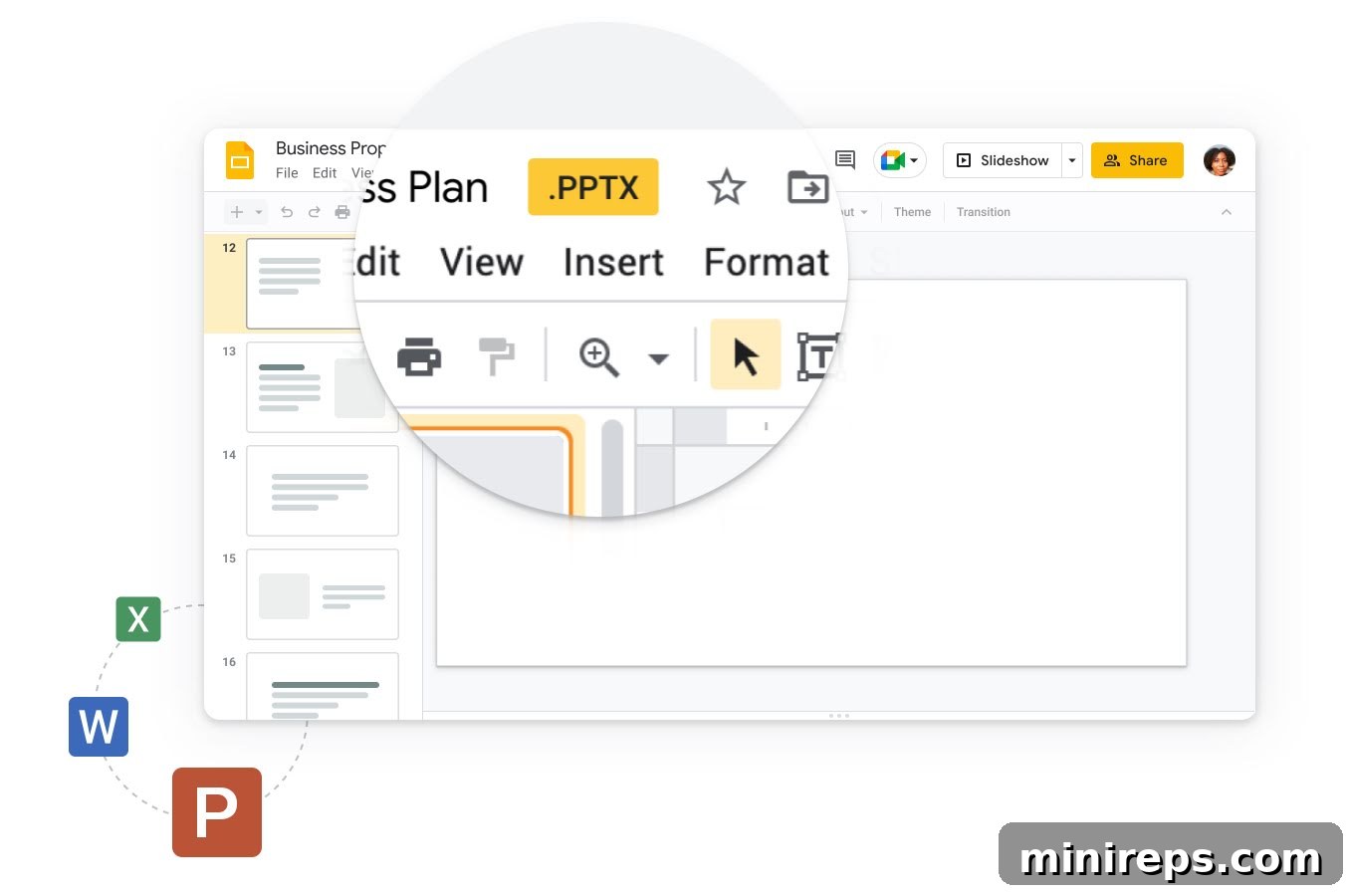
Interoperability is another cornerstone of Google Slides’ design. It allows you to effortlessly convert many different file types, such as Microsoft PowerPoint presentations, into Google Slides format. Crucially, this conversion process is intelligent, striving to maintain the original design, formatting, and animations as faithfully as possible. This feature is a lifesaver for teams transitioning to Google Workspace or for collaborating with external partners who use different software. Once your presentation is polished and ready, you have the flexibility to convert and export it into a variety of desired formats, including PDF, JPG, PNG, or even back to PowerPoint, making sharing and distribution incredibly versatile. Furthermore, Google Slides offers an offline mode, allowing you to continue working on your presentations even without an internet connection, with all changes syncing automatically once you’re back online. This robust flexibility ensures that your workflow is never interrupted, providing a truly adaptable presentation solution for every scenario.
Google Slides is an essential tool within
Google Workspace is a comprehensive suite of productivity and collaboration tools meticulously designed to help individuals, teams, and businesses achieve more with fewer distractions. Experience the future of work and streamline your operations with intelligent, secure, and intuitive applications. Try it yourself—for free—and discover how Google Workspace can transform your productivity!